You don’t realize how important a backup is until you’ve lost your data. This can happen for various reasons, such as a hardware failure or a cyberattack. It’s also possible to accidentally delete data.
The importance of regular backups is well known, but there are always issues when it comes to actually implementing them.
This is where the SoftwareNDT Backup program comes in. The program offers a way to automatically back up your important data. With the right backup strategy, you’ll always have an up-to-date copy of your data.
The program is designed to be easy to use and backs up your data by copying it to other storage devices, such as a cloud platform, external hard drives, or USB flash drives. And much more the key is that these drives must still be functional even if your main system experiences a technical failure.
For example, you can connect a small USB drive to your computer, to which your important data is copied daily. Or you can have your important files copied to an external cloud platform every day. This is where the SoftwareNDT Backup program comes in. Daily and regular backups. Without the risk of forgetting to back up your data or having it become out of date.
Setting up the backup is incredibly easy.
Step 1:
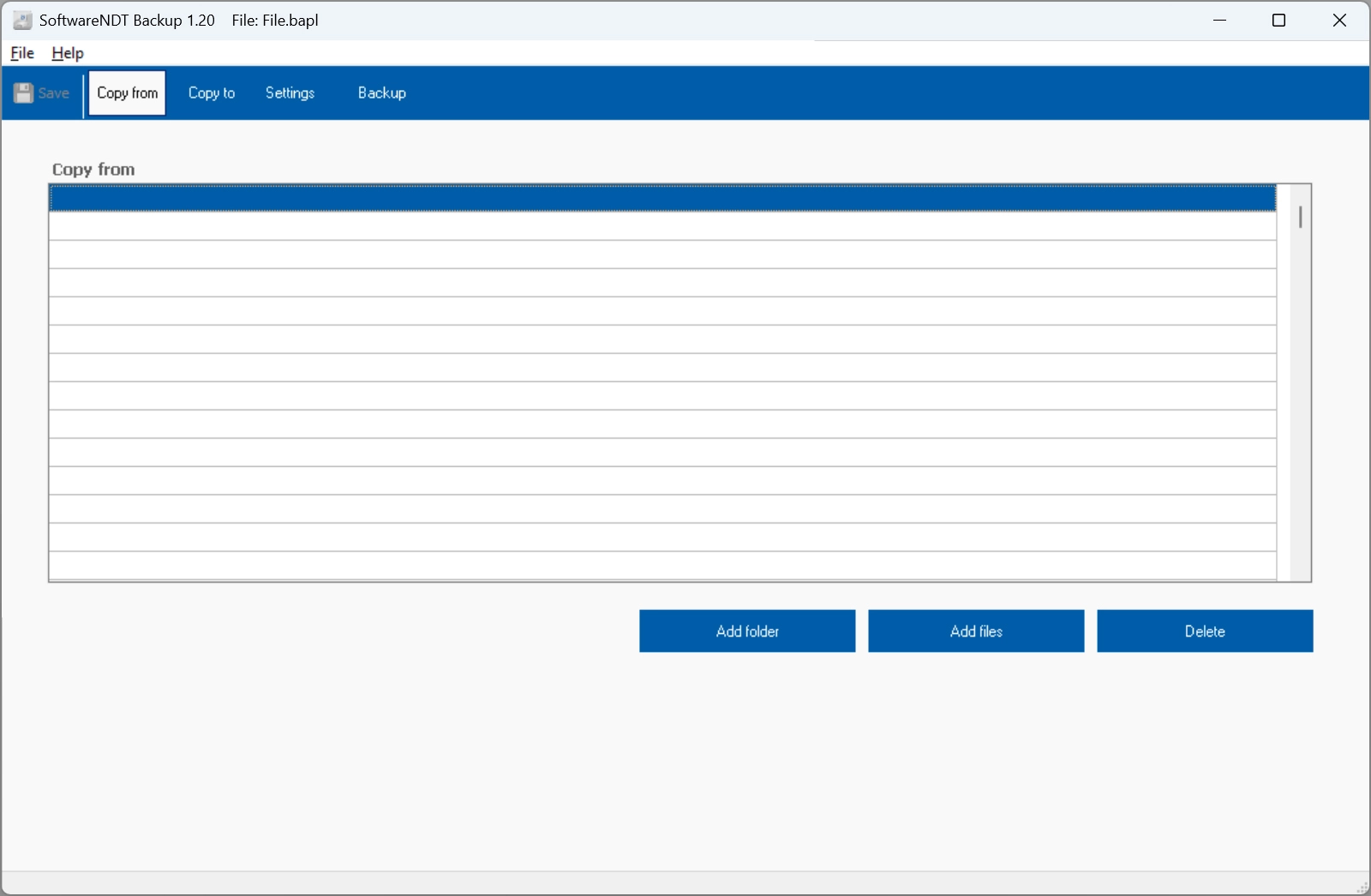
Select the files and folders you want to back up. These files and folders can come from different sources, such as two different drives.
Step 2:
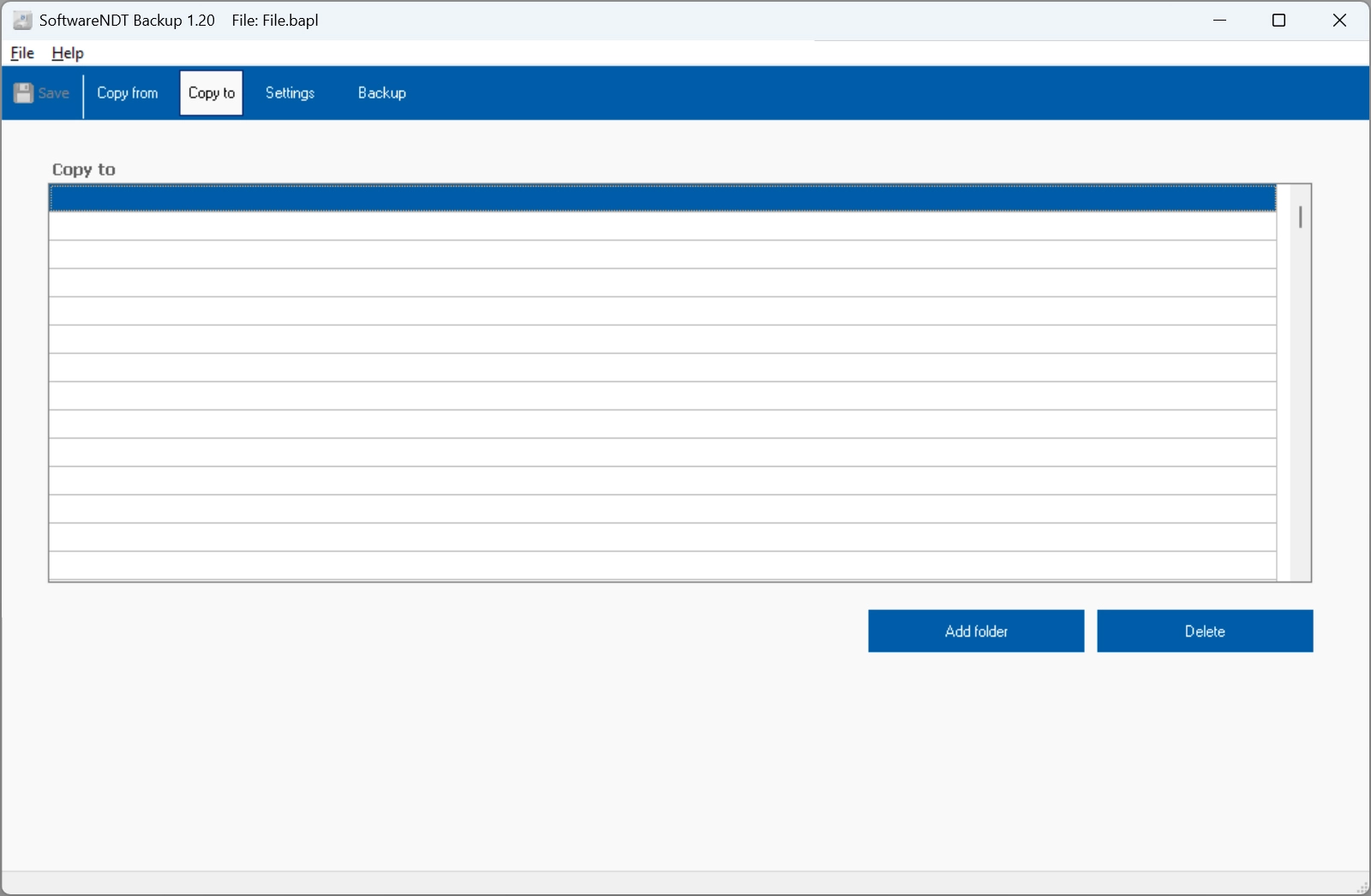
Next, select the backup media and specify the backup folder. Make sure that the backup media are independent of one another. For example, two hard drives or an external SSD and a USB flash drive. A NAS drive is also a good choice.
Step 3:
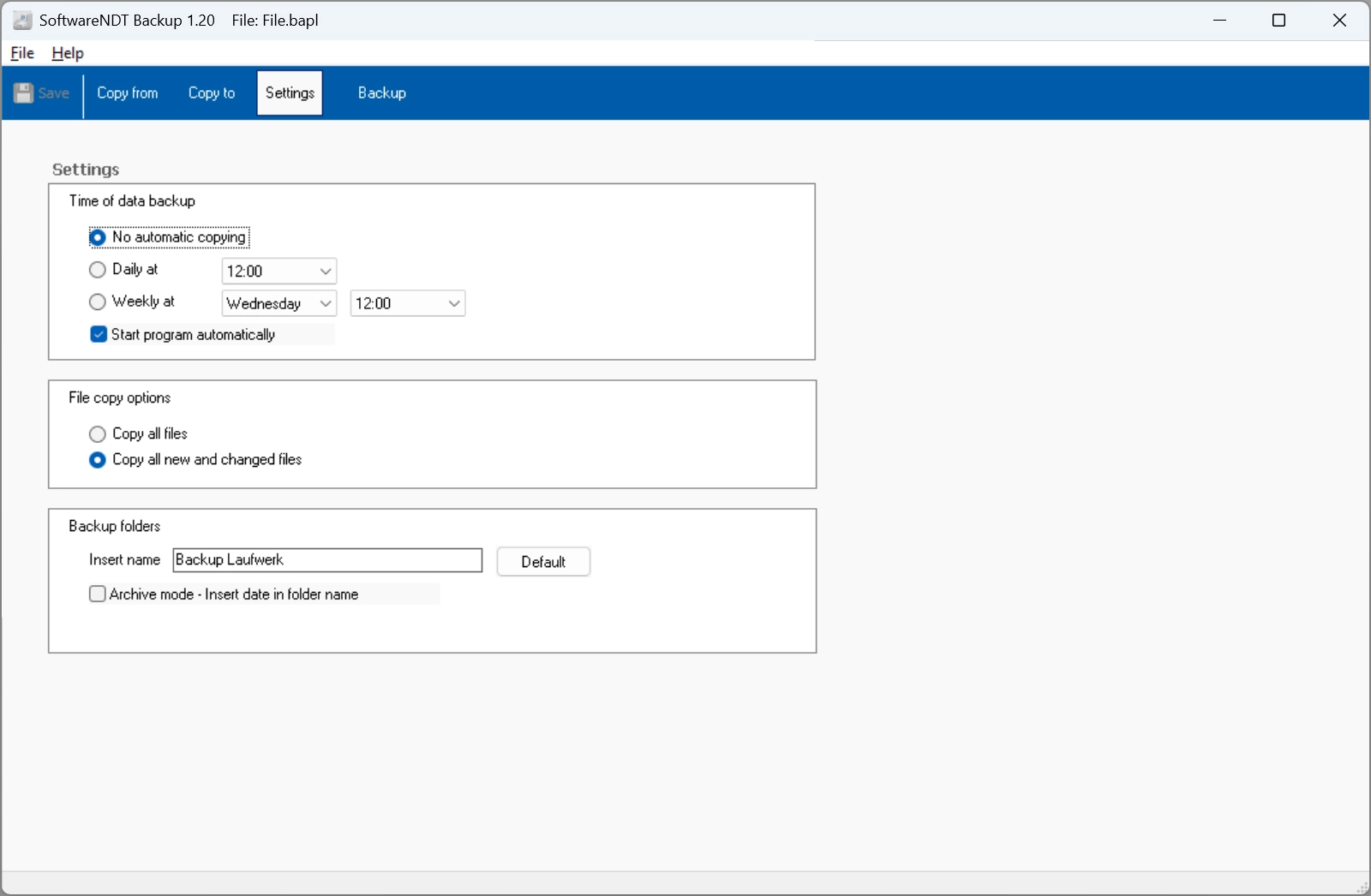
Next, you’ll need to configure a few settings for the backup strategy and the backup schedule. For example, you can choose to back up only the files and folders that have been modified. You can also specify whether the backup should be started manually or at a specific time. Here, you can set up daily backups at a specific time or a backup on a specific day of the week at a selected time. You can choose whether the backup should always be saved to a single directory or whether a new backup directory should be created with the current date in its name. This allows you to keep different backups from different points in time.
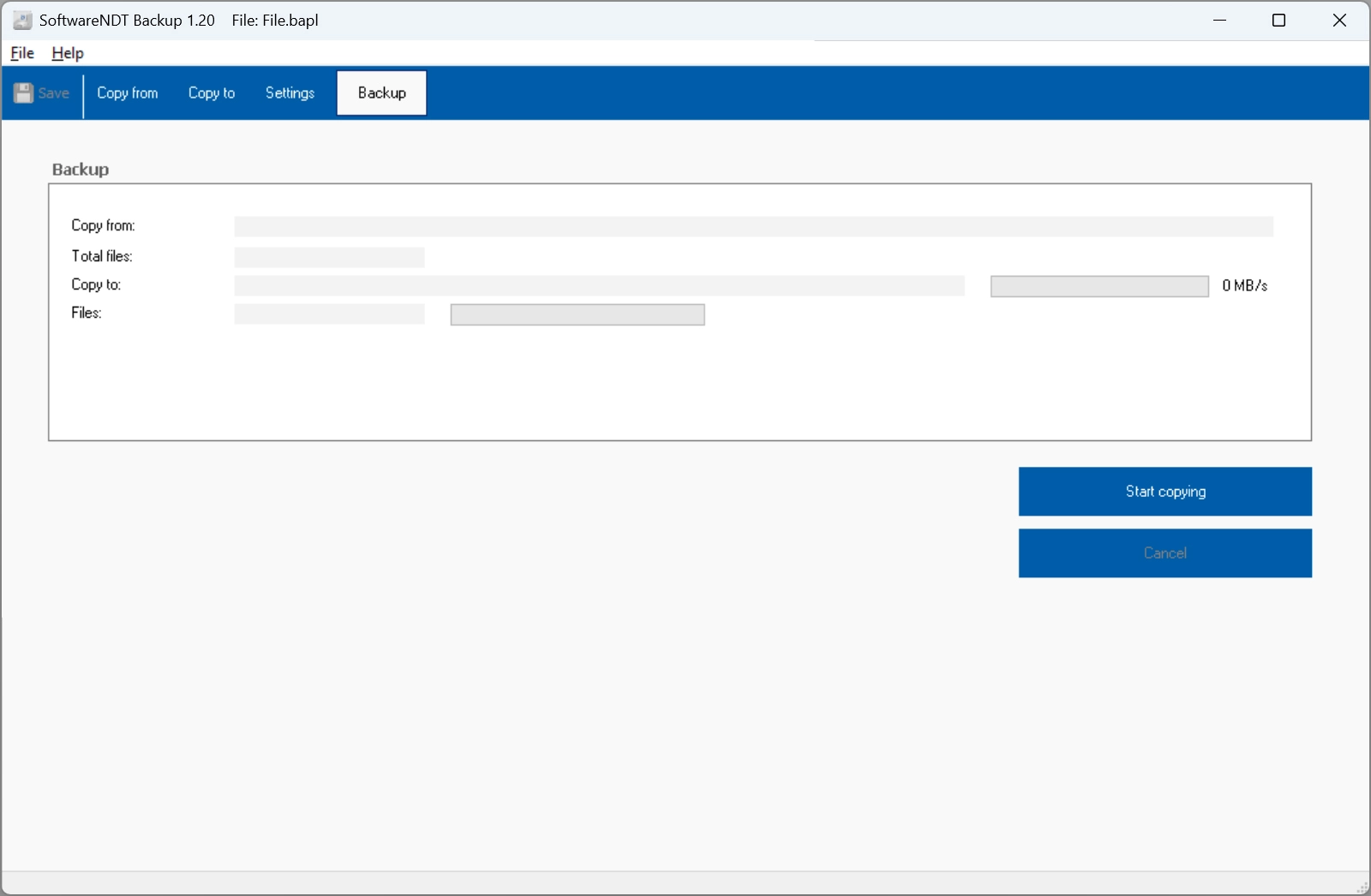
Data Backup:
You can now start the backup manually or wait for an automatic backup to run. There is now no reason not to have an up-to-date backup of your important files.